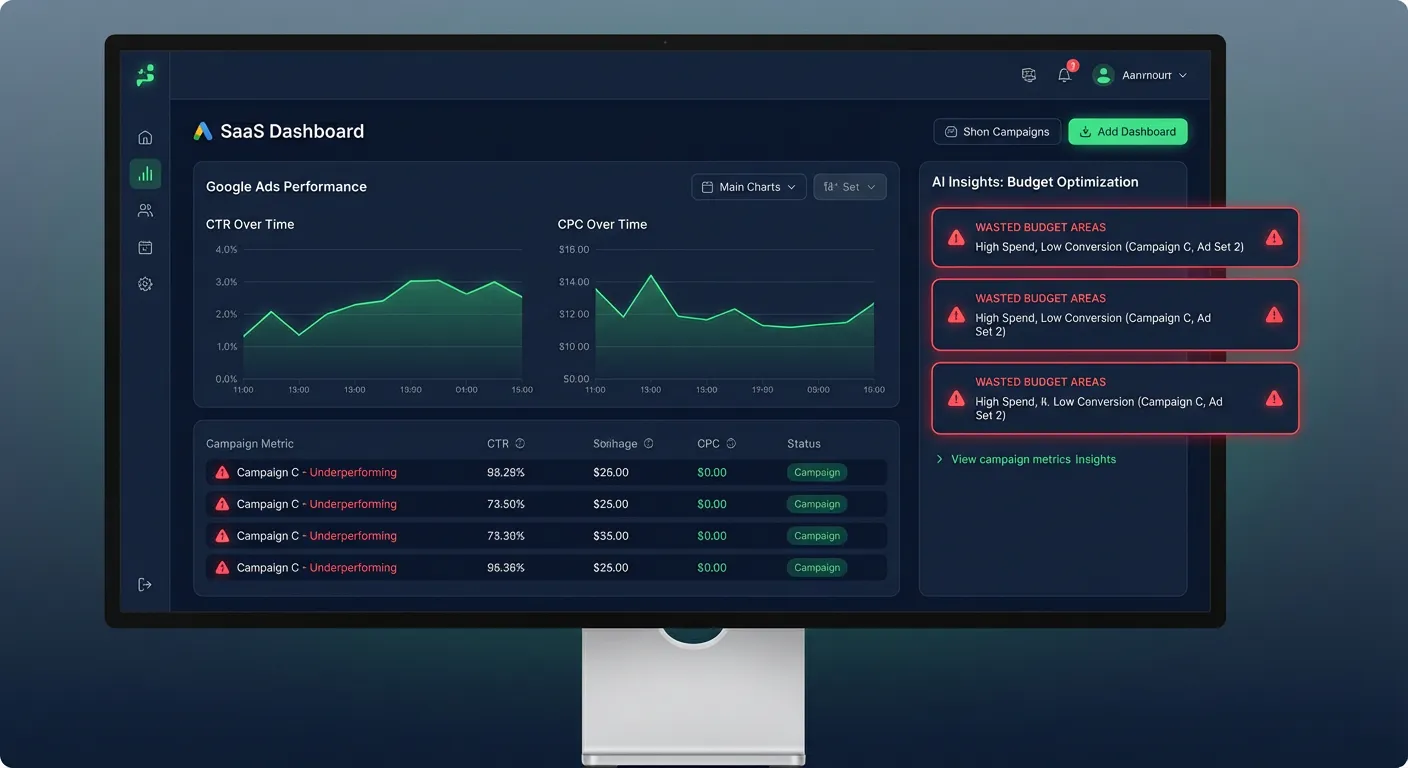
What Is a Google Ads Audit?
A Google Ads audit is a systematic review of your ad account to identify inefficiencies, wasted spend, and growth opportunities. Unlike day-to-day campaign management, an audit takes a step back and evaluates your entire account structure — from campaign settings and bidding strategies to keyword quality and ad relevance.
Most advertisers run their accounts on autopilot for months without realizing that a handful of poorly-performing keywords are quietly draining 30–40% of their budget. A thorough audit catches those leaks before they become expensive habits.
What a Good Google Ads Audit Covers
A complete audit should review the following areas:
1. Account Structure
Are campaigns organized by product, service, or goal? Are ad groups tightly themed around specific keywords? A messy structure dilutes Quality Scores and makes optimization harder.
2. Keyword Analysis
Which keywords are spending the most? Which have high CPC but low conversion rates? Are there irrelevant search terms triggering your ads due to broad match keywords? Keyword waste is the #1 source of lost budget in most accounts.
3. Bidding Strategy
Are you using manual CPC, Target CPA, or Target ROAS? Is your bidding strategy aligned with your campaign goals? Automated bidding needs enough conversion data to work well — switching too early can hurt performance.
4. Quality Score
Quality Score affects both your ad rank and how much you pay per click. Low Quality Scores (below 5) often indicate a disconnect between keywords, ads, and landing pages. Fixing this alone can reduce CPC by 20–50%.
5. Ad Copy Performance
Which headlines and descriptions drive clicks? Are all your responsive search ads using at least 3–4 unique headlines? Poor ad copy leads to low CTR, which hurts Quality Score and raises CPC.
6. Negative Keywords
Are you blocking irrelevant traffic? Missing negative keywords is one of the fastest ways to burn budget on searches that will never convert. Your audit should identify top wasted search terms.
7. Conversion Tracking
Is conversion tracking properly set up? Without reliable conversion data, Google's smart bidding algorithms optimize for the wrong signals — or nothing at all.
How to Run a Free Google Ads Audit
Traditionally, a Google Ads audit means exporting multiple reports from the Google Ads interface, analyzing them in Excel or Google Sheets, and writing up findings manually. This process takes hours — and that's before you factor in the expertise needed to know what to look for.
AdBrief automates this entire process. Here's how it works:
- Export your reports — Download campaign, ad group, and keyword performance reports from Google Ads (CSV format).
- Upload to AdBrief — Drag and drop your CSV files into the audit tool.
- Get AI analysis— AdBrief's AI reviews your data and generates a structured audit: a campaign summary plus up to 10 prioritized recommendations with clear explanations.
- Ask follow-up questions — Use the built-in chat to dig deeper into specific issues or ask for clarification on any recommendation.
What AdBrief Looks For in Your Audit
AdBrief's analysis engine is trained to surface the most impactful issues first. It evaluates:
- Top-spending keywords with low conversion rates
- Ad groups with weak CTR suggesting poor ad-keyword alignment
- Campaigns burning budget with zero conversions
- Quality Score patterns indicating landing page mismatches
- Budget concentration risks (over-reliance on one campaign)
- Bidding strategy misalignment with campaign goals
- Missing or incomplete conversion tracking signals
How Often Should You Audit Google Ads?
For most accounts, a monthly audit is the right cadence. High-spend accounts ($10K+/month) benefit from a bi-weekly review. New campaigns should be audited after the first 30 days of data collection to catch early structural issues before they compound.
Start Your Free Audit Now
AdBrief offers a free Google Ads audit — no credit card required. Upload your CSV reports and get AI-powered insights in under 60 seconds. The audit tool is available for immediate use, no account setup needed for your first analysis.