What Is a Google Ads Analyzer?
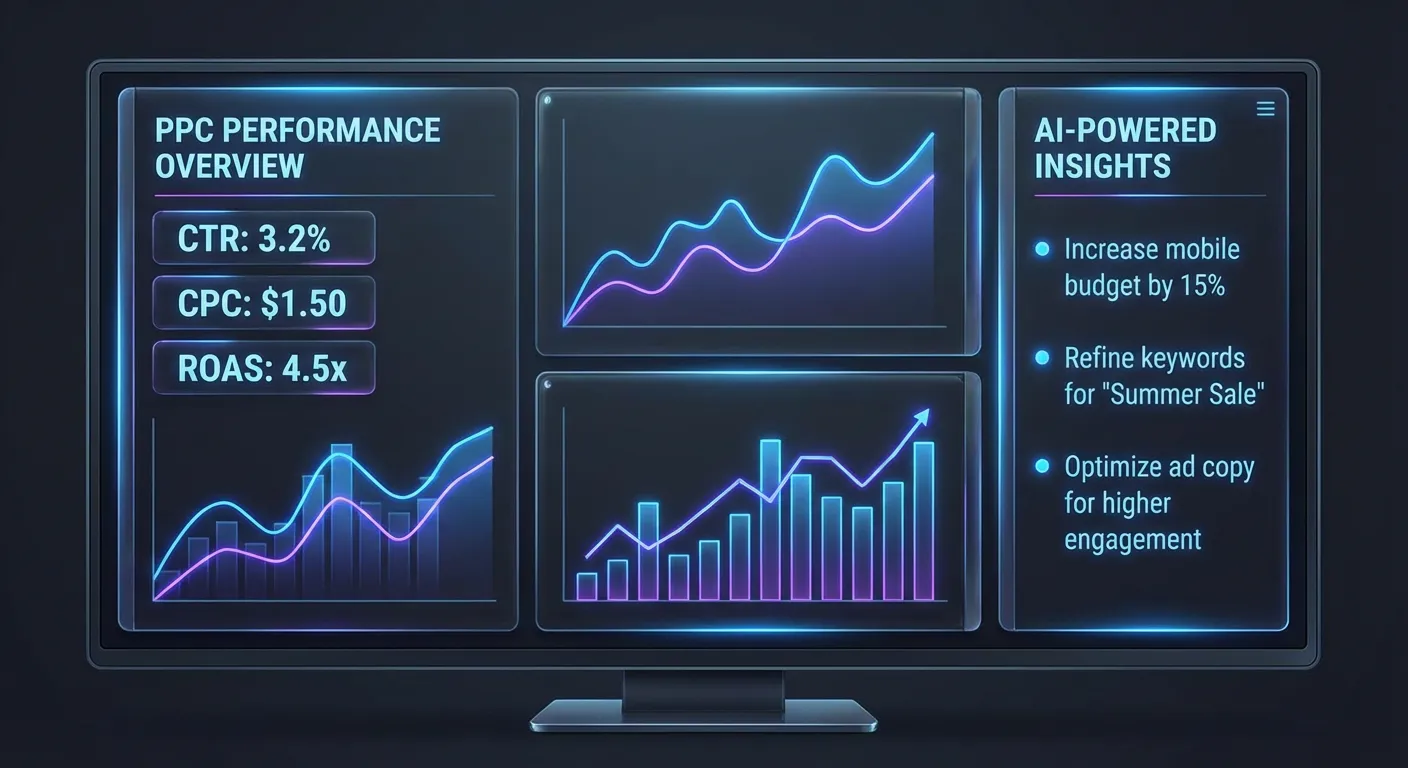
A Google Ads analyzer is a tool that reviews your campaign data — keywords, ad groups, budgets, and performance metrics — and tells you what's working and what's not. Instead of staring at spreadsheets full of CTR, CPC, and conversion numbers, you get clear, prioritized recommendations.
Traditional analytics dashboards show you data. An analyzer goes further: it interprets the data and gives you actions. Think of it as the difference between getting a blood test printout and having a doctor explain what it means.
Why Marketers Need an AI-Powered Analyzer
Google Ads accounts generate enormous amounts of data. Even a small account with 50 keywords across 5 campaigns produces thousands of data points per month — impressions, clicks, cost, conversions, quality scores, search terms, device performance, and more.
Most marketers either don't have time to analyze all of it or don't know which metrics matter most for their specific situation. This is where AI analysis shines:
- Pattern recognition at scale — AI can spot trends across hundreds of keywords that a human would miss, like a keyword group slowly losing impression share over 3 weeks
- Prioritized recommendations — instead of a list of 50 things to check, you get the top 5–10 actions ranked by potential impact on your budget
- Plain language explanations— no need to decode what "low Quality Score on broad match modifier keywords in campaign 7" means. AI explains the issue and the fix in simple terms
- Speed — a manual audit takes hours or days. AI analysis takes minutes
How to Analyze Google Ads Performance
Whether you use a tool or do it manually, a thorough Google Ads analysis follows a consistent framework:
1. Campaign-Level Review
Start with the big picture. Which campaigns are spending the most? Which have the best ROAS? Are any campaigns running with no conversions at all? A campaign spending $500/month with zero conversions is the first thing to fix.
2. Ad Group Analysis
Within each campaign, check ad group performance. Look for ad groups with high impressions but low CTR — this usually means your ads aren't matching the search intent. Also check for ad groups with only one ad variation — you should always be testing at least 2–3 ads per group.
3. Keyword Performance
This is where most of the money is won or lost. Sort keywords by spend (highest first) and check each one:
- High spend + low conversions = pause or reduce bid
- High CTR + low conversion rate = landing page problem
- Low impression share + good conversion rate = increase bid or budget
- Quality Score below 5 = rewrite ad copy or improve landing page relevance
4. Search Terms Report
The search terms report shows what people actually typed before clicking your ad. This is where you find wasted spend on irrelevant queries. For example, if you sell "accounting software" but your ads trigger for "free accounting courses," you're paying for clicks that will never convert.
Add irrelevant terms as negative keywords. Most accounts have 10–30% of their budget going to search terms that should be negative keywords.
5. Budget Allocation
Are your best-performing campaigns limited by budget? Google shows "Limited by budget" status, but the real question is: could you get more conversions by shifting budget from underperforming campaigns to your winners?
Manual Analysis vs. AI Analyzer: What's the Difference?
You can absolutely do all of the above manually — download CSV reports, open a spreadsheet, sort and filter, calculate metrics, draw conclusions. Many experienced PPC managers do exactly this.
The problem is time and consistency:
- A manual audit of a medium-sized account takes 2–4 hours
- You need to repeat it weekly or monthly to catch trends
- It's easy to miss things when you're looking at the same data every week
- Junior marketers or business owners may not know what to look for
An AI-powered analyzer like AdBrief does the same analysis in minutes. You upload your Google Ads CSV reports (or connect the API), and the AI generates a campaign summary with up to 10 prioritized recommendations. After that, you can chat with the AI to ask follow-up questions about your specific data.
What to Look for in a Google Ads Analyzer Tool
Not all analysis tools are created equal. Here's what separates useful tools from dashboard clutter:
- Actionable output — does the tool tell you what to do, or just show you charts? The best tools give specific recommendations: "Pause keyword X (spent $120, 0 conversions)" or "Add these 5 negative keywords."
- Prioritization — a tool that flags 100 issues without ranking them by impact is barely better than a spreadsheet. Look for tools that tell you which 3 things to fix first.
- Plain language — if you need a PPC certification to understand the output, the tool is designed for agencies, not for you. Good analysis tools explain issues in plain English.
- Data privacy— where does your campaign data go? Is it stored? Shared? Used for training? Check the tool's privacy policy.
- No lock-in — avoid tools that require annual contracts or complex integrations just to try them. The best tools let you upload a CSV and get results immediately.
Common Google Ads Problems an Analyzer Can Catch
Here are the most common issues we see when users analyze their accounts with AdBrief:
Wasted Spend on Broad Match Keywords
Broad match keywords trigger ads for searches that are only loosely related to your keywords. Without proper negative keyword lists, 20–40% of your budget can go to irrelevant clicks. An analyzer flags these immediately by cross-referencing your keyword bids with actual search term data.
Budget Trapped in Low-Performing Campaigns
It's common to see 60% of the budget going to a campaign that generates only 20% of conversions, while the best campaign is "Limited by budget." An analyzer spots this imbalance and recommends reallocation.
Low Quality Scores Inflating CPC
Keywords with Quality Scores below 5 can cost 2–3x more per click than they should. An analyzer identifies these keywords and explains whether the issue is ad relevance, landing page experience, or expected CTR — so you know exactly what to fix.
Missing Conversion Tracking
Some campaigns run for weeks without proper conversion tracking. Without conversion data, you're flying blind — optimizing for clicks instead of actual business outcomes. An analyzer flags campaigns with zero conversion data so you can fix tracking before wasting more budget.
How AdBrief Analyzes Your Google Ads
AdBrief uses AI to analyze Google Ads performance in three steps:
- Upload your data — export campaigns, ad groups, and keywords as CSV files from Google Ads, or connect the Google Ads API directly
- AI analysis — the AI reads your campaign structure, keyword performance, and spending patterns to generate a summary and up to 10 prioritized recommendations
- Ask follow-up questions— after the analysis, chat with the AI about your specific data. Ask things like "Which keywords should I pause first?" or "Why is my CPC so high in Campaign 3?"
The analysis takes about 30 seconds. You get a campaign overview, key metrics, and a ranked list of actions — from the highest-impact change to nice-to-haves.
Getting Started
If you're running Google Ads and haven't analyzed your account recently, you're almost certainly leaving money on the table. Whether you do a manual review or use an AI analyzer, the important thing is to look at your data with fresh eyes.
AdBrief offers a free audit that analyzes your campaigns and gives you actionable recommendations in minutes. No complex setup, no annual contracts — just upload your CSV reports and see what the AI finds.