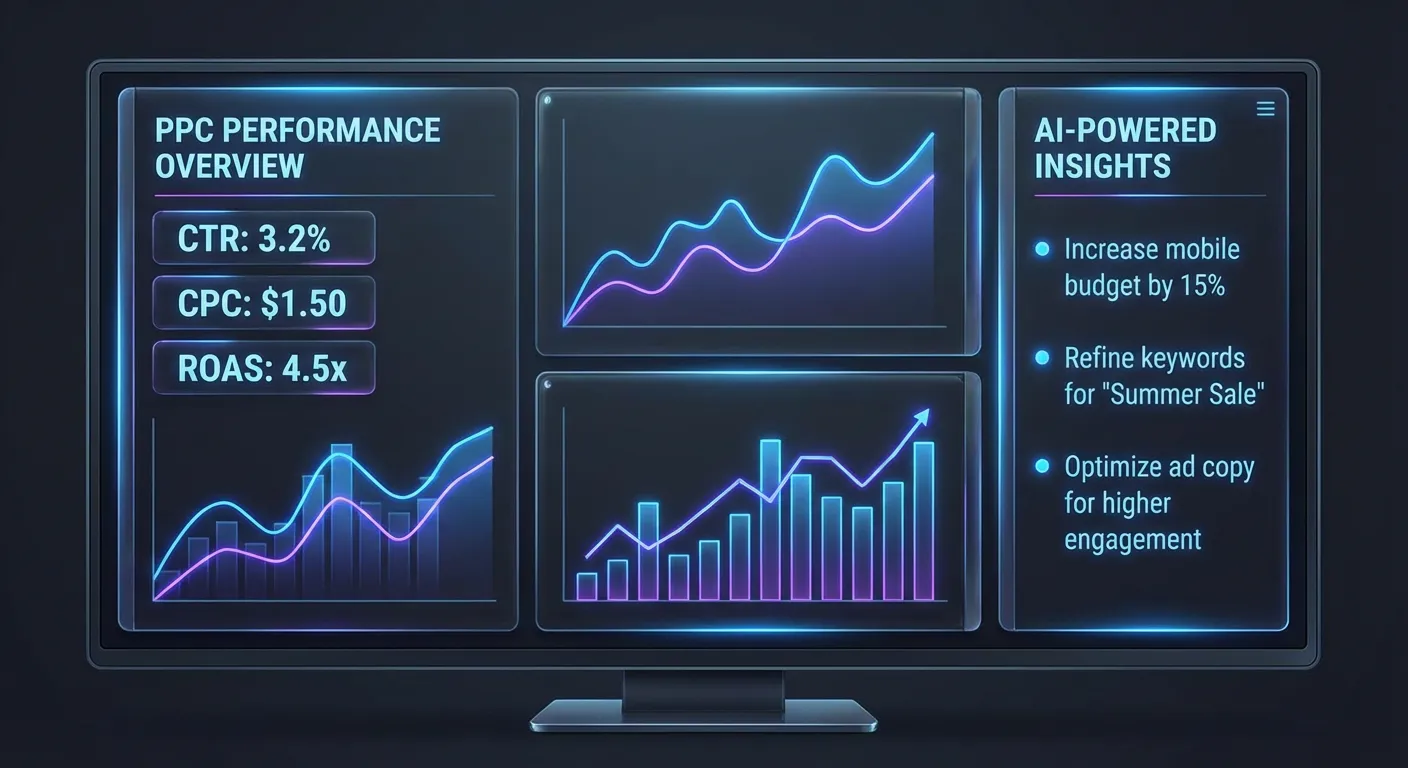
Why Google Ads Reporting Matters
Managing Google Ads without good reporting is like driving with a fogged windshield. You can feel when something is wrong, but you can't see exactly where to steer. Proper PPC reporting gives you clear visibility into what's working, what isn't, and where your next dollar should go.
The challenge is that Google Ads generates enormous amounts of data across campaigns, ad groups, keywords, devices, geographies, and time periods. Making sense of it quickly — without spending hours in spreadsheets — requires the right reporting tool.
Why the Native Google Ads UI Falls Short
Google Ads has a built-in reporting interface, but it has several well-known limitations:
- No narrative summary— You see tables of numbers, but the interface won't tell you "your top keyword has a 12% CTR but 0 conversions over 30 days."
- Limited cross-report analysis — Correlating campaign-level data with keyword-level data requires manual work across multiple tabs.
- No prioritization— The UI shows everything equally. It doesn't tell you which issue to fix first to get the biggest ROI improvement.
- Client reporting is clunky — Building a readable report for a client means exporting to CSV, formatting in Excel, and creating slides. It takes 2–3 hours for a single report.
- No historical context— The UI can compare date ranges, but it won't explain *why* performance changed.
What to Look for in a Google Ads Reporting Tool
The best PPC reporting tools share a few key qualities:
Speed
A reporting tool that takes 20 minutes to generate a report is only marginally better than doing it manually. The best tools produce usable output in under 60 seconds.
Plain-language summaries
Data is only valuable when it's interpretable. Good reporting tools translate metrics into clear, actionable insights that both marketers and clients can understand without a stats background.
Prioritized recommendations
Not all problems are equal. A reporting tool that highlights the 3 changes most likely to improve performance is far more valuable than one that lists every possible optimization.
Conversational follow-up
After reviewing a report, you always have questions: "Why is this campaign underperforming? What would happen if I paused these keywords?" The ability to ask follow-up questions directly within the reporting tool dramatically reduces the time from insight to action.
How AdBrief Works as a Google Ads Reporting Tool
AdBrief is built specifically for Google Ads reporting with AI at its core. The workflow is simple:
- Export your campaign, ad group, and keyword reports from Google Ads in CSV format.
- Upload the files to AdBrief — it accepts all three report types simultaneously.
- Receive an AI-generated report: a concise campaign summary followed by up to 10 prioritized recommendations, each with a clear explanation of the problem and suggested action.
- Chat with the AI about your data — ask follow-up questions, request clarification, or explore specific hypotheses.
Key Metrics AdBrief Analyzes
AdBrief's reporting covers the full spectrum of Google Ads performance metrics:
- Impressions & CTR — Reach and ad relevance signals
- CPC & spend distribution — Where budget is actually going
- Conversions & conversion rate — True performance against goals
- Cost per conversion — ROI efficiency by campaign and keyword
- Quality Score signals — Ad relevance and landing page experience
- ROAS — Return on ad spend for ecommerce campaigns
Who AdBrief Is For
AdBrief is designed for three audiences:
- Solo marketers managing their own Google Ads accounts who want fast, expert-level analysis without hiring a consultant
- Small agencies that need to produce clear, professional performance reports for clients without spending hours on manual formatting
- Business owners running Google Ads in-house who want to understand what their data means without needing a PPC certification
Try AdBrief's Reporting Tool for Free
AdBrief offers a free Google Ads report — upload your CSV files and get an AI-generated analysis in under 60 seconds. No credit card required for your first report.