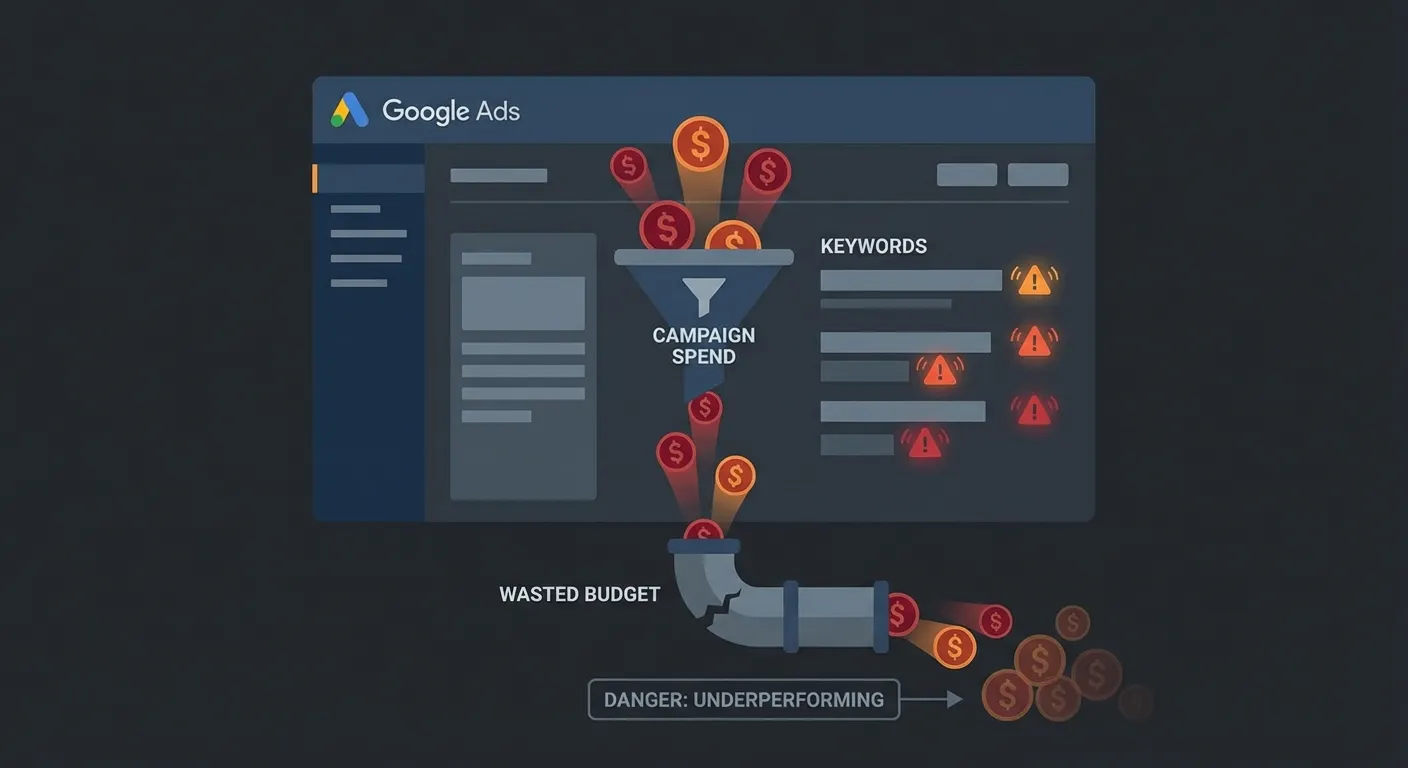
Google Ads can be a powerful growth engine — or a bottomless money pit. The difference usually comes down to a handful of specific, fixable mistakes. If your campaigns are spending but not delivering results, check whether you're making any of these 7 costly errors.
Warning Sign #1: High Spend, Zero Conversions
If a campaign or keyword has spent $200+ in the last 30 days without a single conversion, something is fundamentally broken. This could mean your landing page isn't relevant to the search intent, your conversion tracking is misconfigured, or you're targeting the wrong audience entirely.
What to do:Pause the high-spend, zero-conversion keywords immediately. Then investigate whether the issue is the ad, the landing page, or the keyword intent. Don't let these run another day.
Warning Sign #2: Broad Match Keywords Without Negative Lists
Broad match keywords can cast a wide net — sometimes too wide. Without a robust negative keyword list, your ads can show for completely irrelevant searches. A campaign for "business software" could trigger on "free software download" or "business software jobs."
What to do: Download your Search Terms report weekly. Add irrelevant queries as negative keywords at the ad group or campaign level. Review broad match keywords regularly and consider switching to phrase match for better control.
Warning Sign #3: Low Quality Scores (1–4) on Key Keywords
Quality Score is Google's rating of your keyword's relevance to your ads and landing page. A low Quality Score (1–4) means you're paying a premium for clicks that your competitors are getting cheaper. A keyword with Quality Score 3 might cost 3× more per click than the same keyword with Quality Score 8.
What to do:For keywords with low Quality Score, check the three components: Expected CTR, Ad Relevance, and Landing Page Experience. Usually the fix involves writing tighter, more relevant ad copy and aligning the landing page content with the keyword's intent.
Warning Sign #4: Budget Concentrated in One Campaign
If 80%+ of your budget flows into a single campaign, you have a concentration risk. If that campaign underperforms or gets suspended for any reason, your entire Google Ads presence grinds to a halt. More importantly, you may be missing opportunities in other campaign types or segments that could deliver better ROAS.
What to do:Audit budget distribution across campaigns. Test allocating 10–15% of budget to experimental campaigns. Consider Performance Max or Display campaigns if you're running Search-only.
Warning Sign #5: No Conversion Tracking (or Broken Tracking)
This is the most expensive mistake on this list. If Google's smart bidding algorithms don't have reliable conversion data, they optimize for clicks rather than results. You could be paying for traffic that never buys, signs up, or calls.
What to do:Verify your conversion tracking in Google Ads → Goals → Conversions. Check that each conversion action has recorded at least one conversion in the last 30 days. If you're using Google Tag Manager, validate the tags are firing correctly. Consider importing conversions from Google Analytics 4 for redundancy.
Warning Sign #6: CTR Below 2% on Search Campaigns
A Click-Through Rate below 2% on Search campaigns usually signals that your ad copy isn't resonating with searchers. This matters beyond just wasted impressions — low CTR directly impacts Quality Score, which raises your CPC and lowers your ad position.
What to do:Review your top-impression keywords and the ads in those ad groups. Are your headlines addressing the searcher's intent? Are you using ad extensions (sitelinks, callouts, structured snippets)? Test 2–3 headline variations with distinct messaging angles.
Warning Sign #7: Bidding Strategy Mismatch
Using Target CPA or Target ROAS bidding without enough conversion data is one of the most common causes of wasted spend. Smart bidding needs at least 30–50 conversions per month per campaign to work effectively. Without enough data, the algorithm makes poor decisions that inflate CPC while reducing conversion volume.
What to do: If a campaign gets fewer than 30 conversions per month, use Manual CPC or Maximize Clicks with a CPC cap until you build up enough data. Only switch to Target CPA or Target ROAS once you have a consistent conversion baseline.
How to Diagnose These Issues Fast
Manually checking all 7 warning signs across multiple campaigns takes hours — especially if you're managing accounts with hundreds of keywords. AdBrief automates this diagnostic process.
Upload your Google Ads CSV reports and get an AI-powered audit that identifies which of these warning signs apply to your account, ranked by estimated budget impact. You'll know exactly where your money is going and which fixes will deliver the fastest ROI improvement.